


Table of Contents
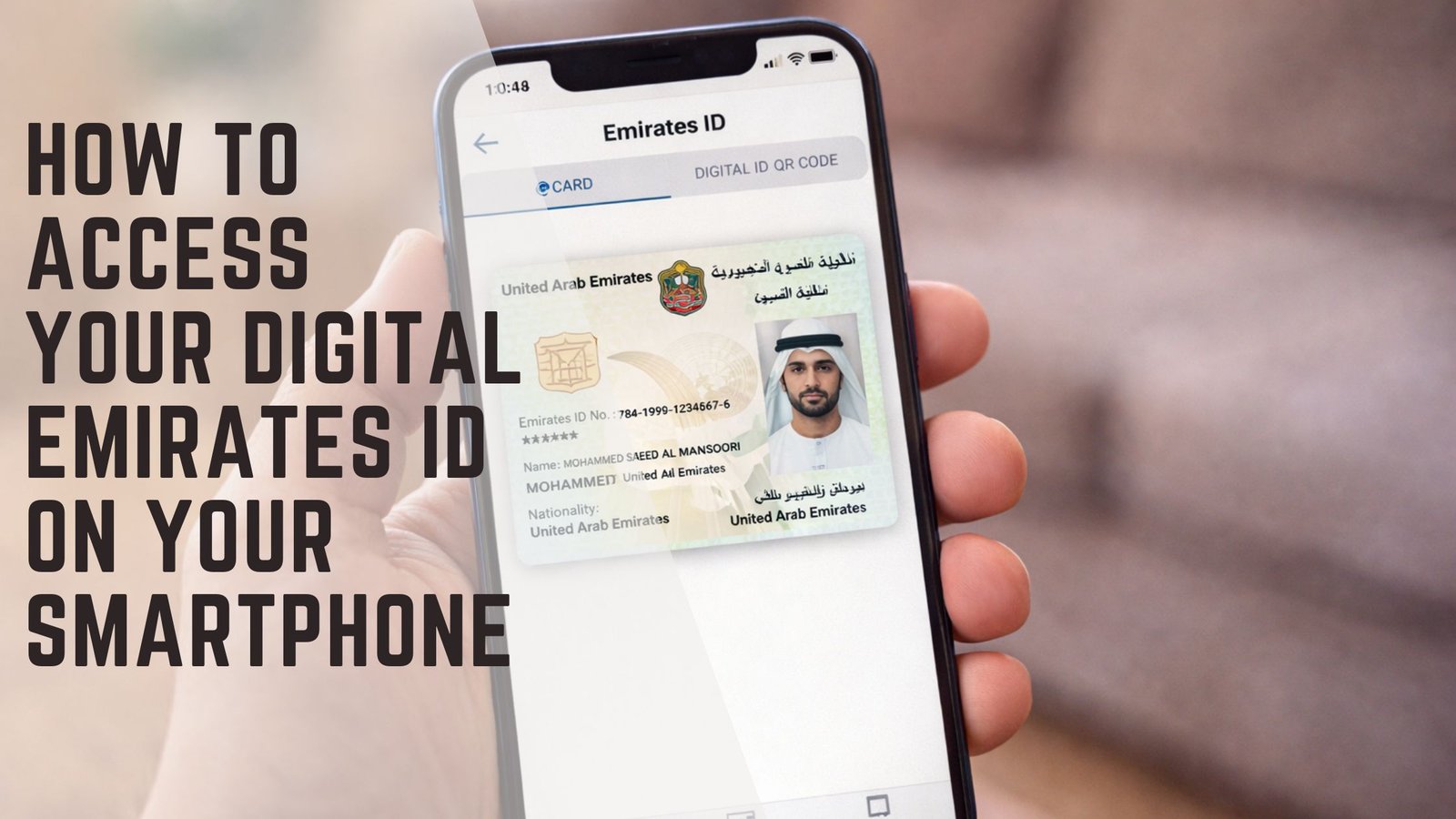
In the United Arab Emirates, the Emirates ID is a vital piece of identification required for various official purposes. Misplacing or damaging this crucial document can be a stressful experience. Fortunately, the UAE government offers digital solutions to ensure seamless access to your identity card information via your mobile device.
Immediate Steps for Lost or Damaged Cards
When an Emirates ID is lost, damaged, or stolen, prompt action is crucial. As stipulated by the Federal Authority for Identity, Citizenship, Customs and Port Security (ICP), such incidents must be reported within seven days. Cardholders are required to apply for a replacement card either online or by visiting an ICP customer service center. Reporting quickly not only secures your identity but also prevents misuse of your personal information.
Utilizing Digital Copies as a Temporary Measure
While waiting for a replacement physical card, you can still access your Emirates ID digitally through several official applications, ensuring you remain compliant with legal requirements and can present identification when needed.
Using the UAE PASS App
The UAE PASS app stands as the nation’s primary digital identity platform, linking to the Emirates ID for all citizens, residents, and visitors. Available on both Apple and Android devices, this app allows users to access a digital copy of their Emirates ID with ease.
Once the app is installed and your account is set up, follow these steps:
- Navigate to the ‘Documents’ section from the app’s menu.
- Select ‘Request Document’ and locate the ‘Emirates ID card’ option.
- Confirm the ID number displayed and request the document.
- A digital copy will be issued immediately, which can be viewed by selecting the ‘View’ option.
This digital copy can be presented whenever required, ensuring you never miss out on essential services due to a lack of identification.
Accessing through the UAEICP App
The official UAEICP app also provides digital access to your Emirates ID. Here’s how to use it:
- Download the app from the Apple App Store or Google Play Store.
- Sign in using your UAE PASS credentials.
- Select ‘Emirates ID’ from the homepage and tap on your name to view the digital ID.
The app also allows downloading a PDF version for offline access, which can be particularly useful when internet connectivity is an issue.
Convenient Access with Apple Wallet
For Apple device users, integrating your Emirates ID into the Apple Wallet offers a streamlined way to carry your identification. To add your Emirates ID to Apple Wallet:
- Open the UAEICP app and go to ‘Cards’ in your ‘Documents’ folder.
- Select your Emirates ID and opt to ‘Add to Apple Wallet’.
This integration ensures that your ID is readily available at your fingertips, enhancing convenience and accessibility.
Ensuring Authenticity with QR Codes
Both the UAE PASS and UAEICP apps offer the functionality to generate temporary QR codes, which can be scanned by government departments to verify the authenticity of your Emirates ID.
To generate a QR code using the UAE PASS app:
- Access your Emirates ID document and select ‘QR verification’.
- A QR code will be generated, valid for five minutes, after which a new code can be generated if necessary.
Similarly, through the UAEICP app, you can generate and share a QR code, valid for a specified time, ensuring your ID’s verification is quick and efficient.
The Importance of Digital Solutions
These digital solutions are critical in maintaining the integrity and accessibility of identification in the UAE. By leveraging technology, residents can ensure they remain compliant with legal requirements, even in instances of lost or damaged physical IDs. The convenience of having a digital copy readily accessible via smartphone applications reflects the UAE’s commitment to integrating technology into everyday administrative processes.
